ChatGPT Review Overview
Is ChatGPT still the best AI assistant in 2026? We tested its features, usability, strengths, limitations, and pricing to help you decide if it’s the right AI tool for you.
Updated: August 2026
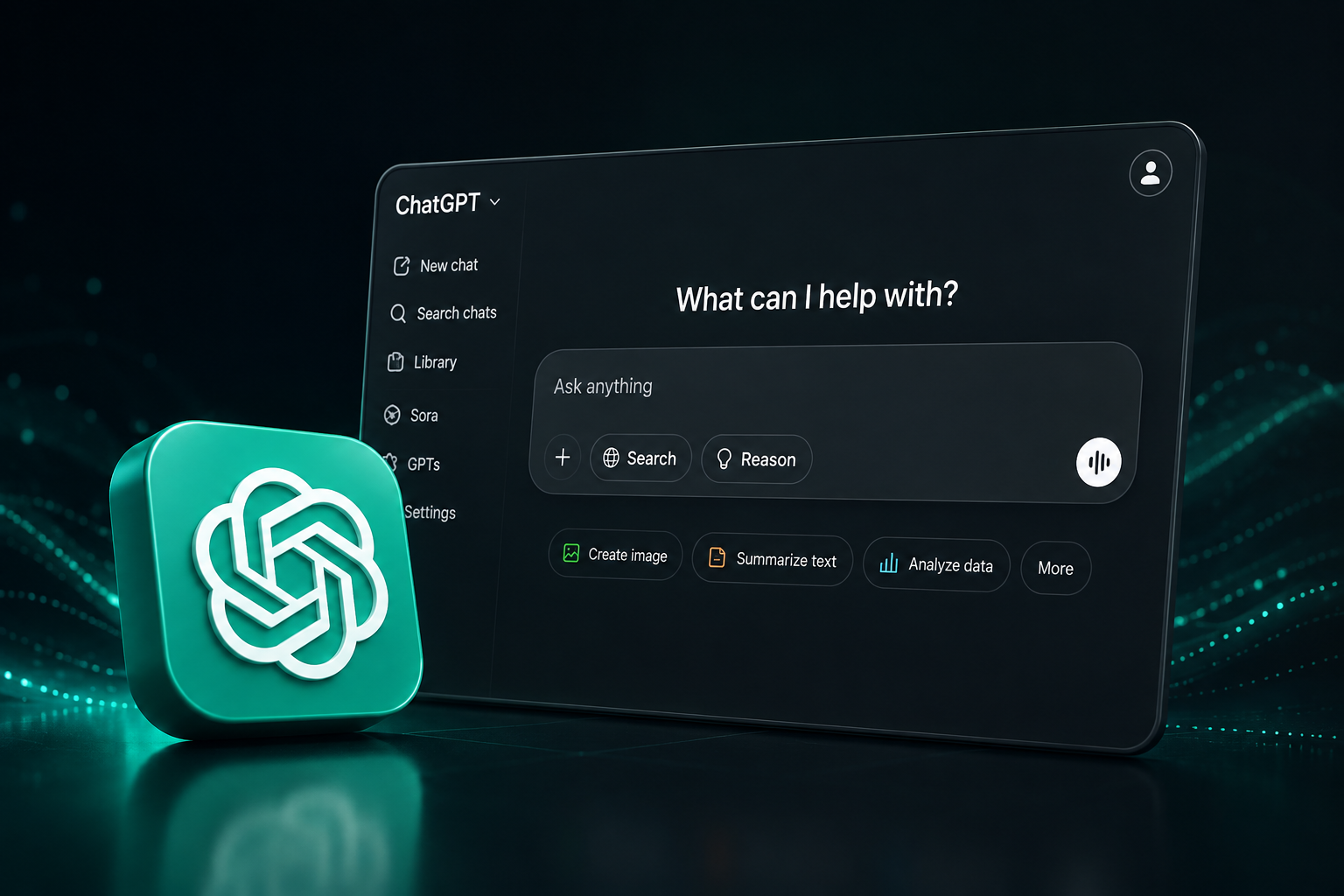
Quick Verdict
ChatGPT remains one of the most versatile AI assistants available in 2026. It combines writing, research, coding, image generation, data analysis, and everyday productivity tools in a single platform. Its biggest strength is its versatility, making it a strong choice for both beginners and professionals.
Our Rating: 4.8/5
Pros
✓ Versatile AI assistant for many different tasks
✓ Excellent writing and brainstorming capabilities
✓ Strong coding and data analysis tools
✓ Image generation and multimodal capabilities
✓ Easy to use for beginners
✓ Large ecosystem of tools and integrations
Cons
✕ Some advanced features require a paid plan
✕ Responses can occasionally contain inaccuracies
✕ Usage limits may apply depending on the plan
✕ Not every feature is available equally across all plans
What Is ChatGPT?
ChatGPT is an AI assistant developed by OpenAI that can understand and generate text, analyze images and documents, assist with coding, create images, conduct research, and help users complete a wide range of everyday and professional tasks.
Unlike traditional chatbots designed for simple question-and-answer interactions, ChatGPT can work through complex requests, maintain context throughout a conversation, analyze uploaded files, help solve problems, and generate content across multiple formats. This makes it useful for students, professionals, developers, marketers, creators, and businesses.
Over time, ChatGPT has evolved from primarily a conversational AI tool into a broader AI platform with capabilities for research, writing, coding, data analysis, image creation, web-based tasks, and customizable workflows.
ChatGPT Key Features
ChatGPT combines multiple AI capabilities in one platform. Here are some of the most important features that make it useful for both everyday users and professionals.
Writing & Content Creation
Generate articles, emails, social media posts, summaries, ideas, and other written content while adapting tone and style to different needs.
Research & Web Search
Find and synthesize information from the web, explore complex topics, compare sources, and get answers supported by online research.
Coding Assistance
Write, explain, debug, and improve code across multiple programming languages, making ChatGPT useful for both beginners and experienced developers.
Image Generation
Create and edit images from natural-language instructions for marketing, social media, presentations, creative projects, and more.
Data Analysis
Upload spreadsheets and other files to analyze data, identify patterns, perform calculations, and turn
File & Document Analysis
Upload documents, PDFs, images, and other supported files to summarize information, extract key points, answer questions, and work with their content.
FREE
$0 / month
A good starting point for casual users who want to explore ChatGPT for everyday questions, writing, research, file analysis, image creation, and other AI tasks with usage limits.
PLUS
$20 / month
Designed for users who rely on ChatGPT regularly and want higher usage limits, broader access to advanced models and reasoning, faster responses, image generation, file analysis, voice, deep research, and other expanded features.
BUSINESS
From $20 / user / month
Built for teams that need a secure collaborative workspace, company integrations, administration features, and business data protections.
Pricing, features, model availability, and usage limits may change over time and can vary by region. Check the official ChatGPT pricing page for the latest information.
ChatGPT Performance & Ease of Use
ChatGPT Performance & Ease of Use
ChatGPT is easy to start using because most tasks can be completed simply by describing what you need in natural language. The interface is straightforward, and users can continue refining results through follow-up instructions without needing technical knowledge.
Response Quality
Response quality is one of ChatGPT’s strongest points, particularly for writing, brainstorming, explanations, coding, research, and structured problem-solving. Results still depend heavily on the quality of the instructions provided, and important factual information should be verified when accuracy matters.
Speed & Workflow
For everyday tasks, ChatGPT can significantly reduce the time required to research, draft, summarize, analyze, and organize information. Features such as web search, file uploads, data analysis, image tools, and deep research also allow users to complete workflows that would otherwise require several separate applications.
Value for Money — 4.7/5
Ease of Use — 4.9/5
Features — 4.9/5
Performance — 4.8/5
Who Is ChatGPT Best For?
ChatGPT can be useful for a wide range of users, but its versatility makes it particularly valuable for people who regularly work with information, content, research, code, or creative tasks.
Students & Researchers
Useful for explaining complex topics, summarizing information, brainstorming ideas, organizing research, and supporting study workflows.
Writers & Content Creators
Helps with brainstorming, outlines, drafts, rewriting, editing, social media content, and adapting writing for different audiences.
Developers
Useful for generating code, debugging, explaining unfamiliar code, exploring solutions, and accelerating everyday programming tasks.
Marketers
Helps create campaign ideas, advertising copy, email content, SEO outlines, audience research, and marketing strategies.
Professionals & Businesses
Useful for analyzing documents, drafting communications, summarizing information, researching topics, and automating repetitive knowledge work.
Everyday Users
Helpful for planning, learning, comparing options, generating ideas, organizing information, and answering everyday questions.
Best ChatGPT Alternatives
ChatGPT is one of the most versatile AI assistants, but other tools may be a better fit depending on your workflow. Here are three of the strongest alternatives to consider.
Claude
A strong alternative for long-form writing, document analysis, reasoning, and coding. Claude is particularly appealing to users who prioritize thoughtful responses and working with complex content.
Gemini
A strong choice for users who work heavily within Google’s ecosystem and want AI integrated with productivity, research, and multimodal workflows.
Perplexity
A research-focused AI answer engine that searches the web and provides answers with citations, making it especially useful for research and source-based information.
ChatGPT vs Claude vs Gemini
ChatGPT, Claude, and Gemini are three of the leading AI assistants, but each has different strengths. Here’s a quick comparison to help you understand which one may fit your workflow best.
Category
ChatGPT
Claude
Gemini
General Use
★★★★★
★★★★☆
★★★★☆
Writing
★★★★★
★★★★★
★★★★☆
Coding
★★★★★
★★★★★
★★★★☆
Research
★★★★★
★★★★☆
★★★★★
Image Creation
★★★★★
–
★★★★★
Document Analysis
★★★★★
★★★★★
★★★★★
Google Ecosystem
★★★☆☆
★★★☆☆
★★★★★
Ease of Use
★★★★★
★★★★★
★★★★★
Best For
All-around AI assitent
Writing e complex analysis
Google ecosystem & multimodal workflows
Ratings reflect Aisavio’s editorial assessment based on features, usability, versatility, and typical use cases. AI platforms evolve frequently, so capabilities may change over time.
Which One Should You Choose?
Choose ChatGPT if you want a versatile AI assistant that can handle writing, research, coding, images, data analysis, and everyday productivity in one place. Consider Claude if writing, complex documents, and analytical work are your priorities. Gemini may be the better fit if your workflow revolves around Google services and you want tight integration with the Google ecosystem.
Is ChatGPT Worth It in 2026?
ChatGPT remains one of the most complete and versatile AI assistants available in 2026. Its combination of writing, research, coding, data analysis, image generation, file analysis, and productivity features makes it suitable for a remarkably wide range of users.
The free version is enough to experience many of ChatGPT’s capabilities, while paid plans are more compelling for people who use AI frequently and need broader access, higher limits, or advanced features. ChatGPT may not be the best tool for every specialized task, but as an all-around AI assistant, it remains one of the strongest options available.
Our Rating
4.8 / 5
Best for: Users looking for a versatile, all-in-one AI assistant.